Manage  Every Employee. From
  One Dashboard
Monitor360 brings your entire workforce into one system. Manage employees, assign designations, schedule shifts, and track both remote and in-office teams productivity with ease.
Start A 7 Day Free Trial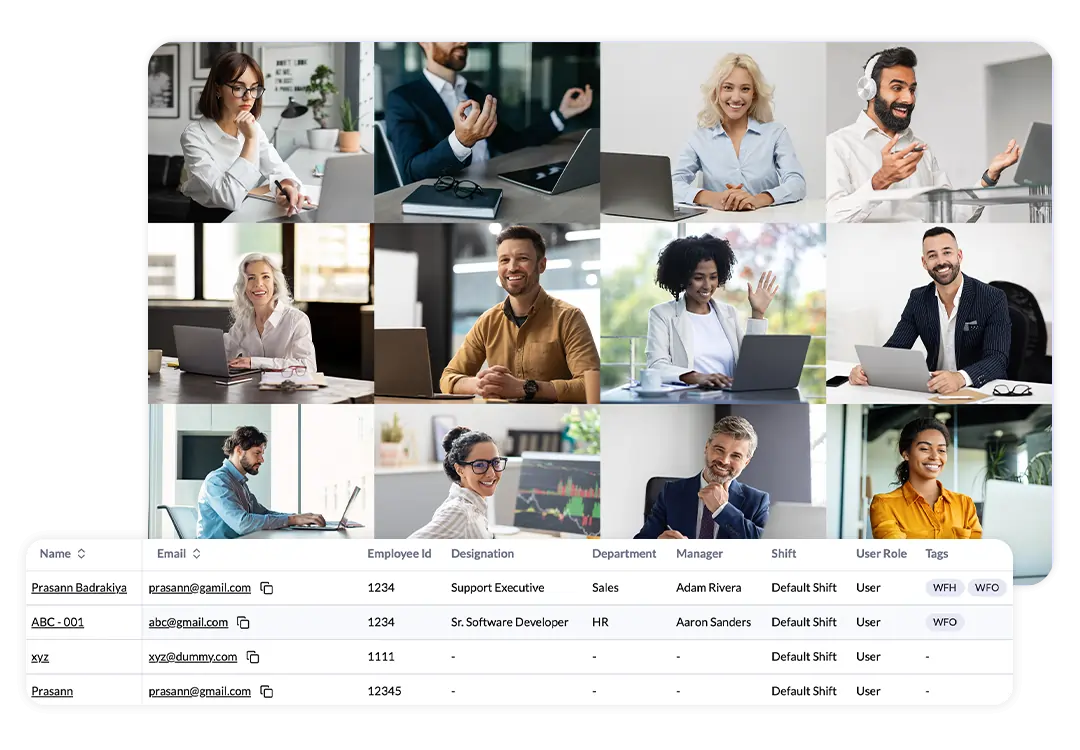
Employee Management  and Productivity
  Tracking Under One Roof
Easily Manage employee information, working hours, and workforce performance from a single platform.
Employee Records Management
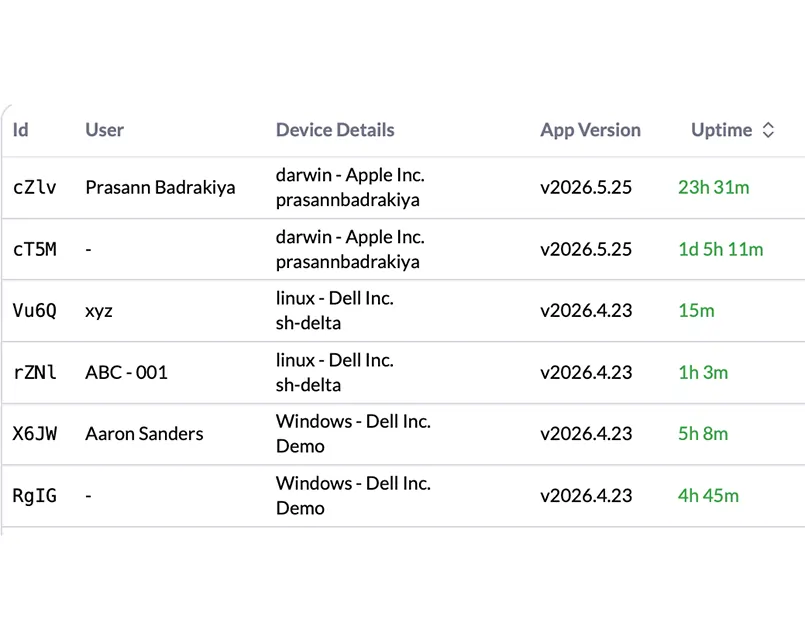
Maintain employee ID, department, role assignment, shift tags, manager assignment, device allocation in one system for structured tracking and control.
Employee Timesheet Management
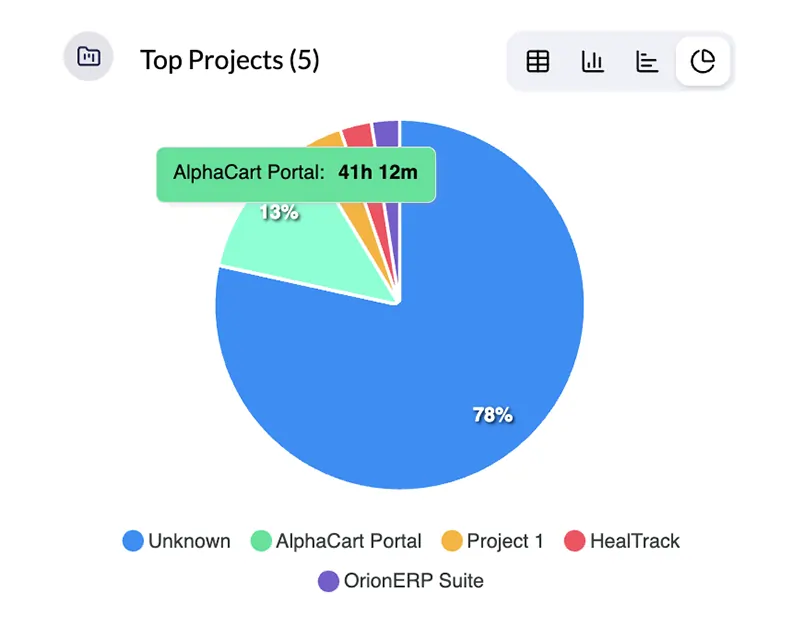
Track employee working hours based on assigned shifts and linked projects. Monitor active time, idle time, and task-wise effort for each employee.
Employee Activity Time Management
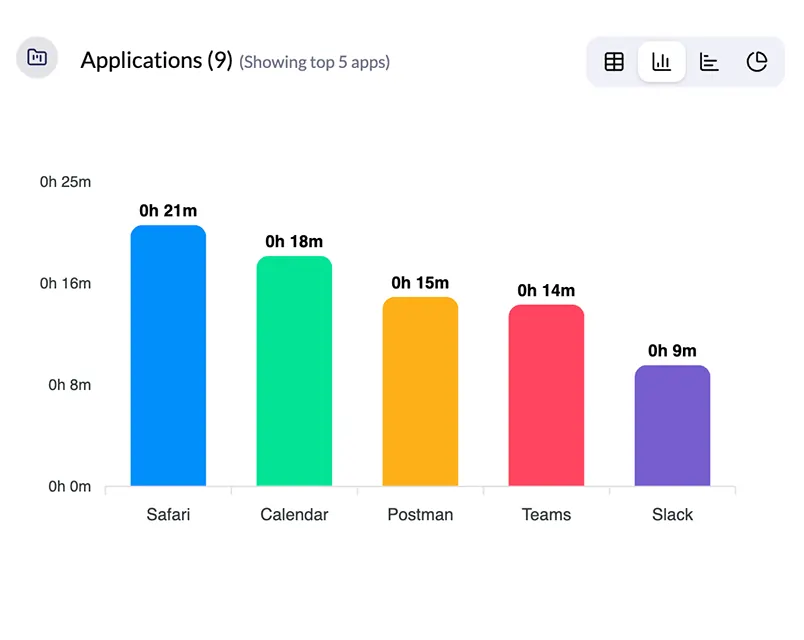
Monitor active time, idle time, and work patterns to understand employee productivity during working hours.
Employee Shift Management
Create, assign, and manage employee shifts with clear scheduling for office and remote teams.
User Role Assignment
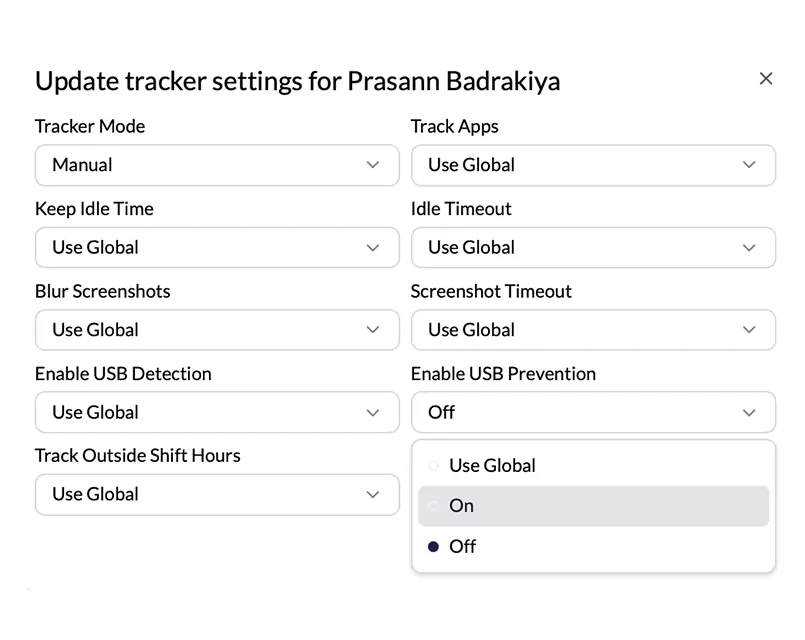
Define roles for admin, HR, and employees. Control access levels and maintain secure data permissions.
Productivity Management
Measure employee performance using activity tracking, task completion, and time-based productivity insights.
Benefits of  Monitor360 For
  Employee Management
Simplify employee management with centralized workforce data and real-time visibility.
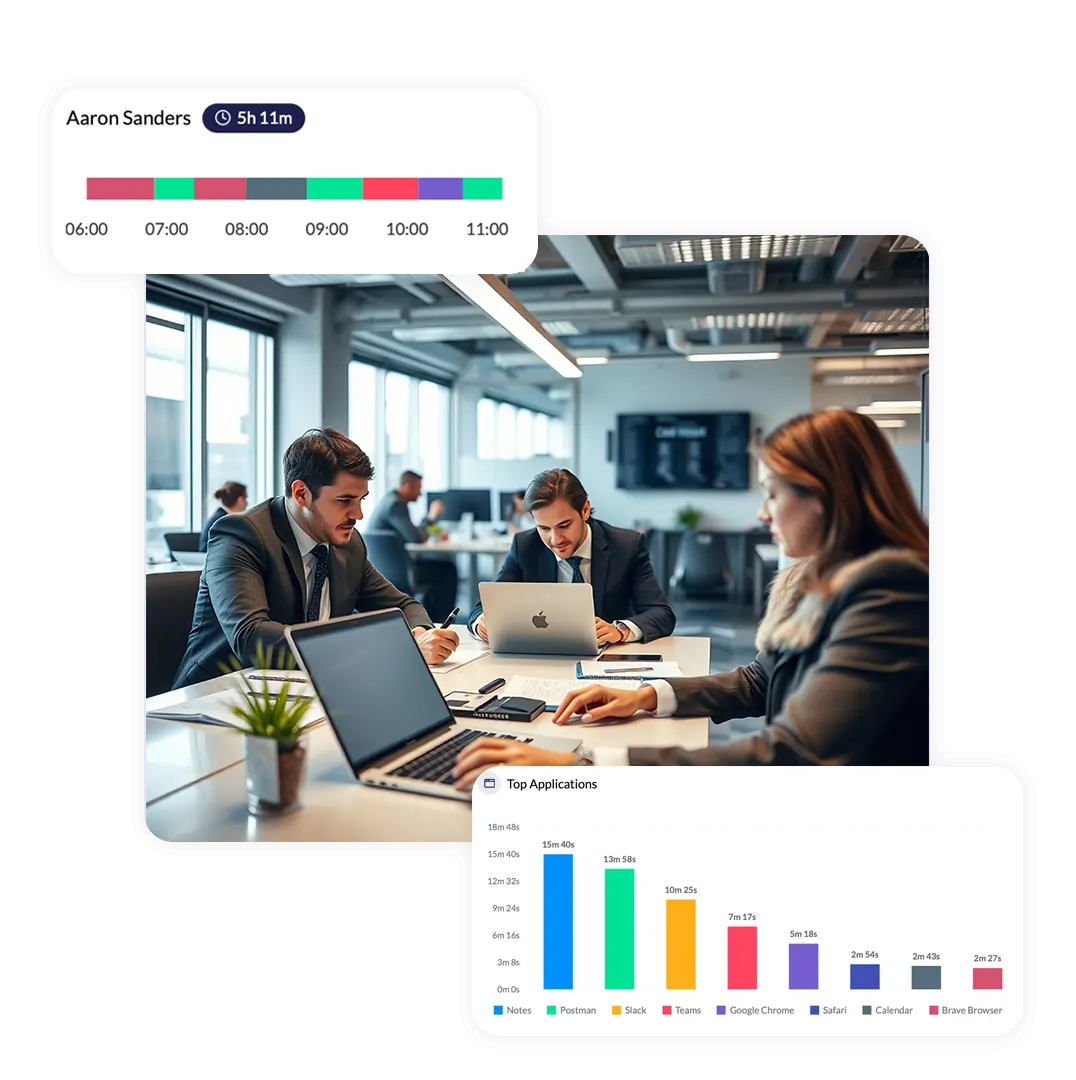
Accurate Employee Data
Track employee work hours and activity with precise and reliable data.
Reduced Manual Work
Remove manual tracking, spreadsheets, and repetitive reporting tasks.
Better Workforce Visibility
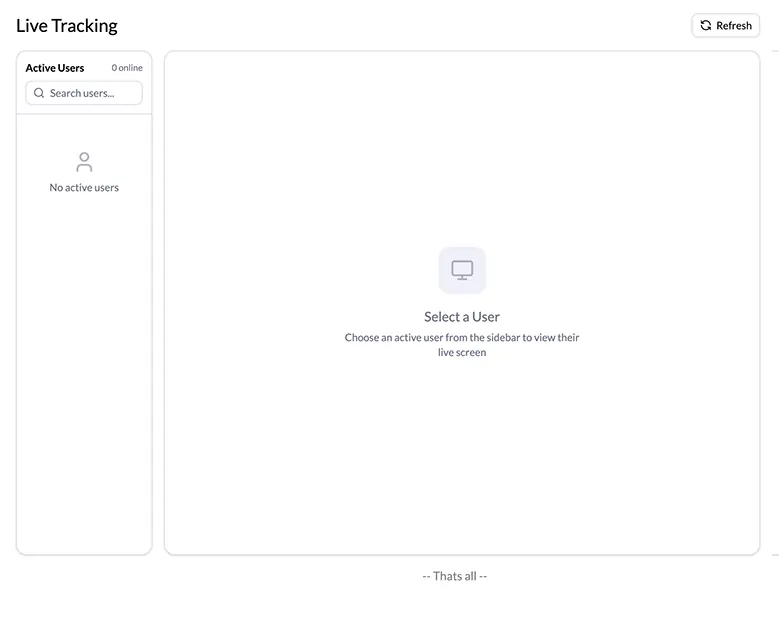
See what your team is working on in real time across projects and tasks.
Improved Productivity
Identify time gaps, reduce idle time, and improve overall team efficiency.
Faster Decision Making
Use real-time insights to manage teams and improve performance quickly.
Core Capabilities Of Monitor360  For Workforce Management
Monitor360 provides the tools needed to manage, monitor, and optimize your workforce productivity easily.
Built for Teams  of Every Shape
Whether you're managing 10 employees or 1,000, Monitor360's employee management software scales with your business and fits your workflow.
Team Management for Small Business
Replace spreadsheets and chat based tracking with a structured system. Get full workforce control with simple setup and user based scaling.
Manage WFH & Hybrid Workforces
Monitor activity across locations and time zones with unified visibility.AGENCIES & BPOS
Centralize Your Employee Database
Integrate with HRMS to manage employee records, roles, reporting lines, and onboarding. Monitor employee productivity from one dashboard.
Multi-Shift Employee Monitoring
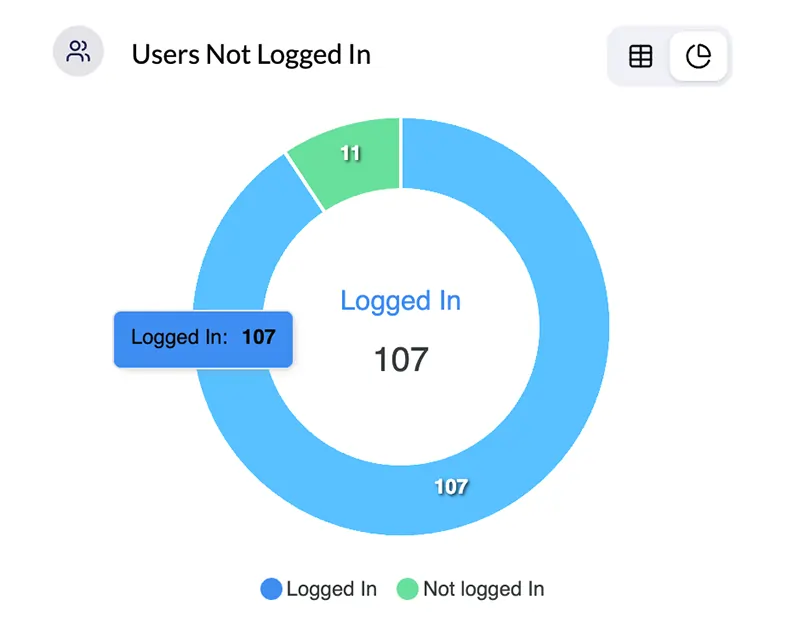
Manage multiple shifts across teams without confusion. Assign schedules, track attendance, and view activity per shift.
Workforce Visibility at Scale
Track attendance, activity, and productivity across teams. Maintain visibility across operations without manual follow ups.
Frequently  Asked Questions About Employee Management Software
Find answers to common questions about employee management, workforce monitoring, user roles, and shift management.
Employee management software helps you organize and manage your workforce in one system. You store employee data, assign roles, define shifts, and track reporting structure. Monitor360 also adds activity tracking and productivity visibility.
Monitor360 combines employee database management with real time monitoring. You manage structure and track productivity in the same system. Most tools focus on only one part.
Yes. You manage WFH, WFO, and hybrid teams together. Assign tags, set shifts, and track activity across locations.
Yes. Seat based pricing supports small teams. You start with a small group and scale as your team grows.
You control access using roles. Admin has full control. HR manages teams. Users access their own data. You assign and update roles from the dashboard.
Yes. Upload a CSV file to add multiple employees at once. Assign roles, shifts, and tags during import. This speeds up setup for large teams.
 with one employee
  management system